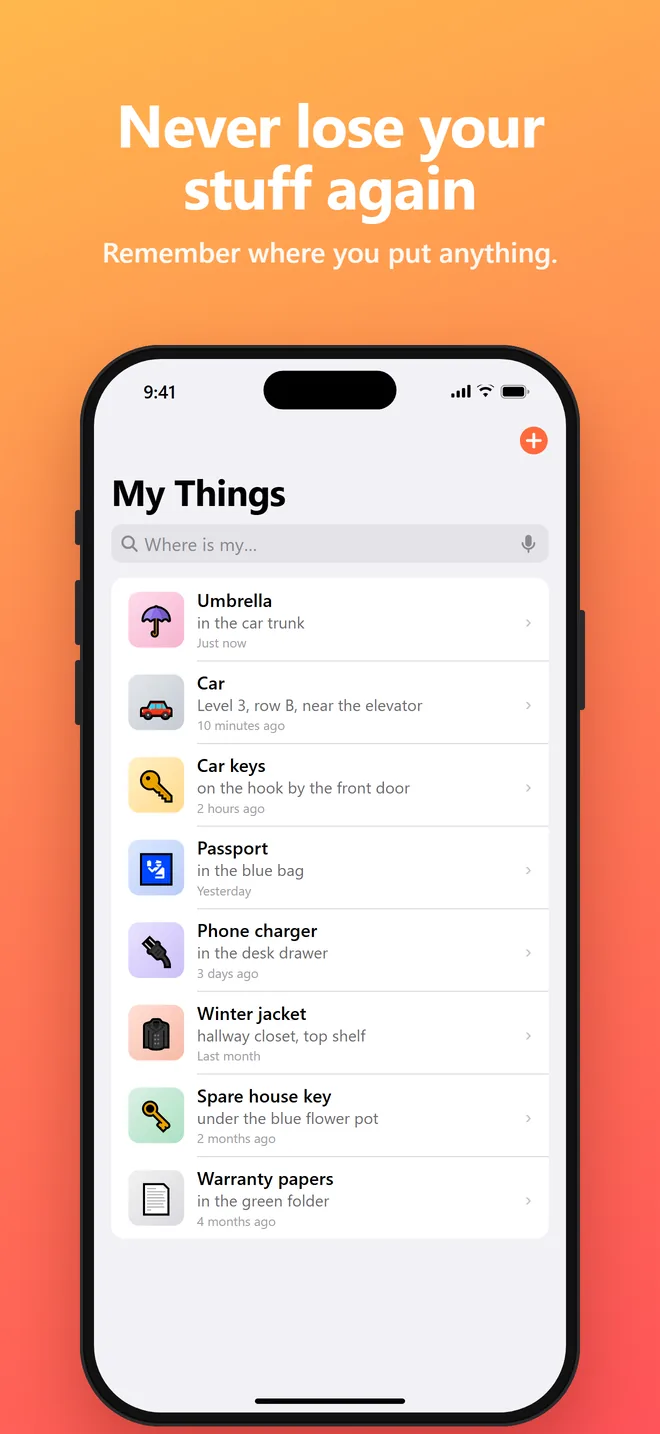
Never lose your stuff again.
Say where you put something. Ask Siri when you need it back. Keys, passports, parking spots and more, remembered in seconds.
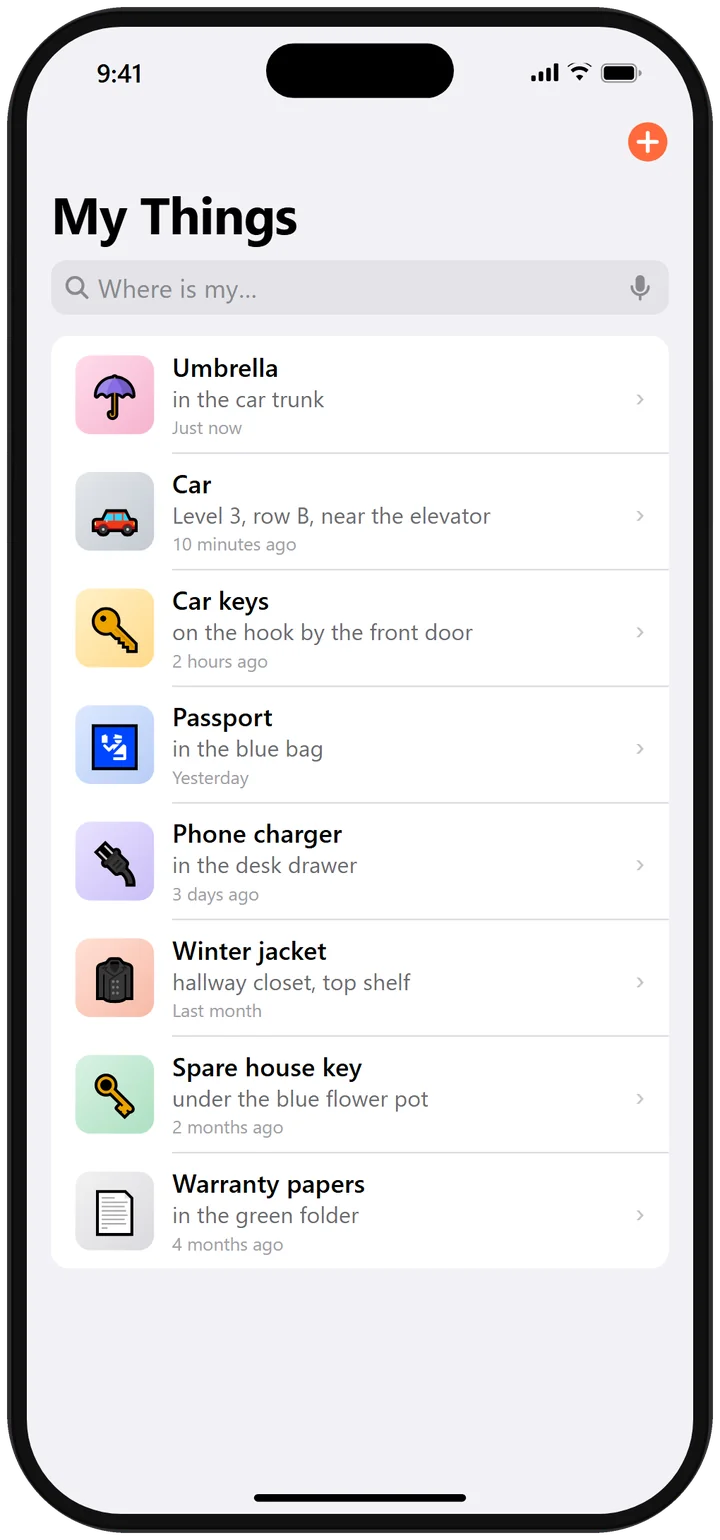
Two seconds to save. One question to find.
No typing, folders or tags. Just talk like you normally would.
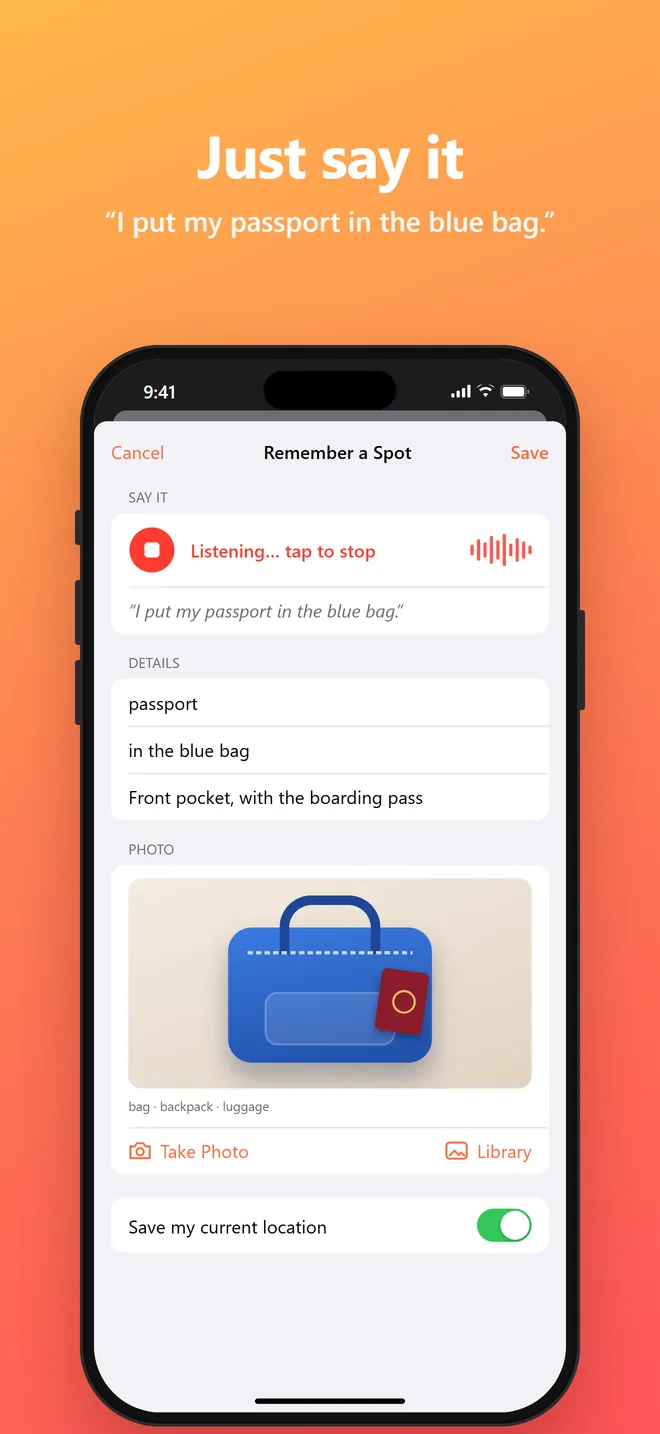
Say where you put it
Tap the mic, press the Action Button, or ask Siri.
I put my passport in the blue bag.
Add a photo if you like
The app recognizes what’s in the picture, so it’s searchable too.
bag · backpack · luggage
Ask when you need it
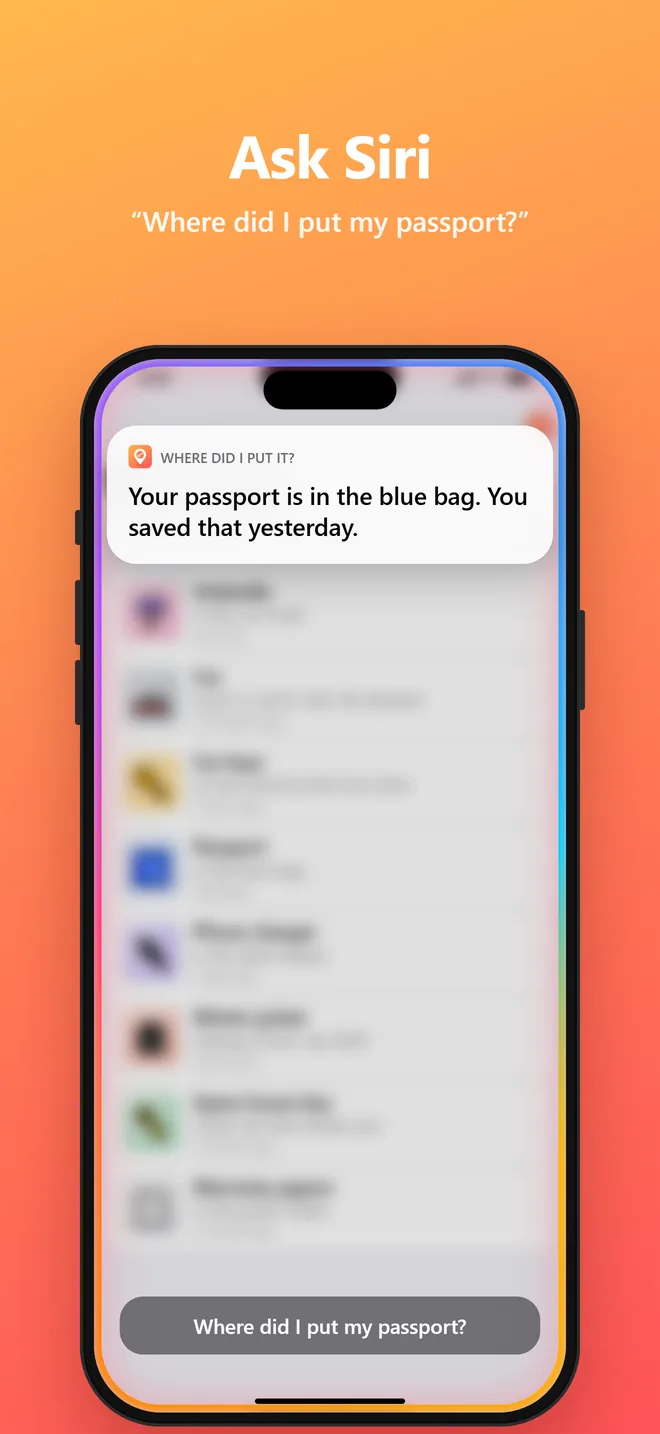
Search in the app, or just ask Siri.
Where did I put my passport?
Small app. Big relief.
Voice first
Speak naturally. The app works out what you put and where, then fills it in for you.
Works with Siri
“Hey Siri, where did I put it?” Get the answer out loud, hands-free.
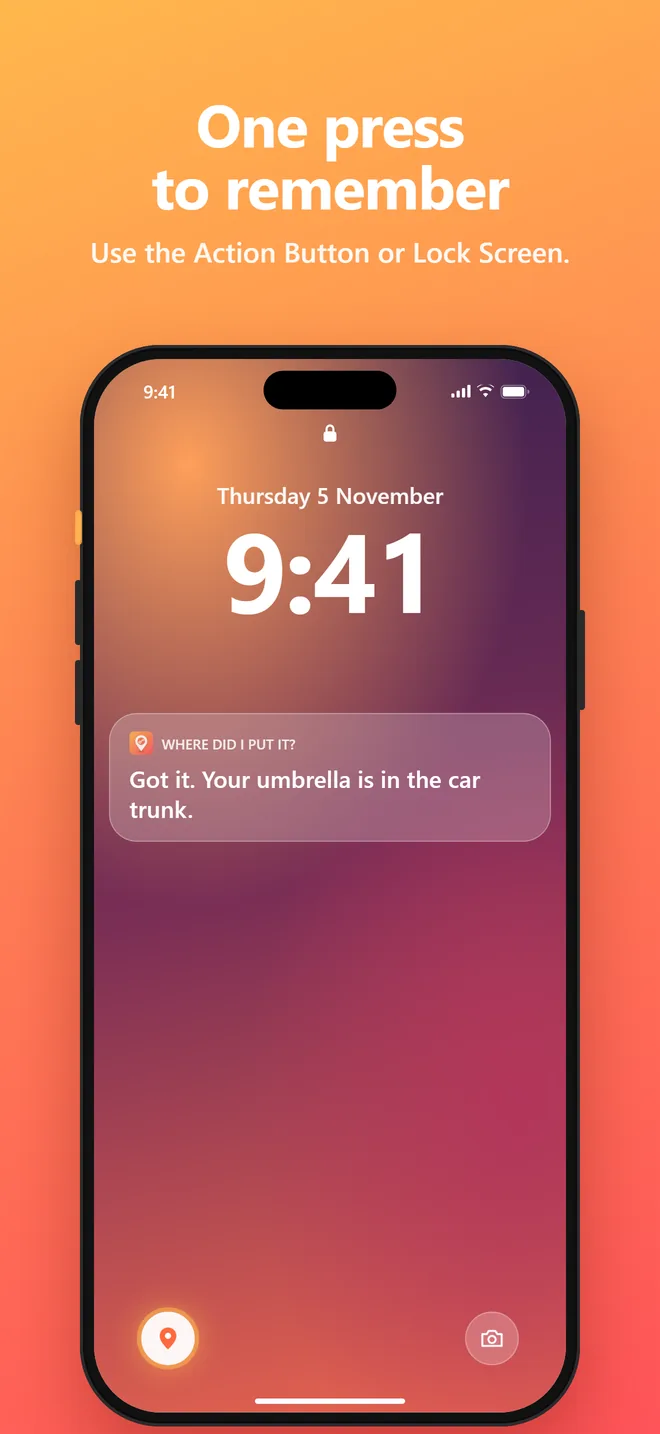
Action Button
One press from anywhere, even the Lock Screen or Control Center.
Searchable photos
Snap the drawer or shelf. On-device recognition makes “bag” or “car” findable.
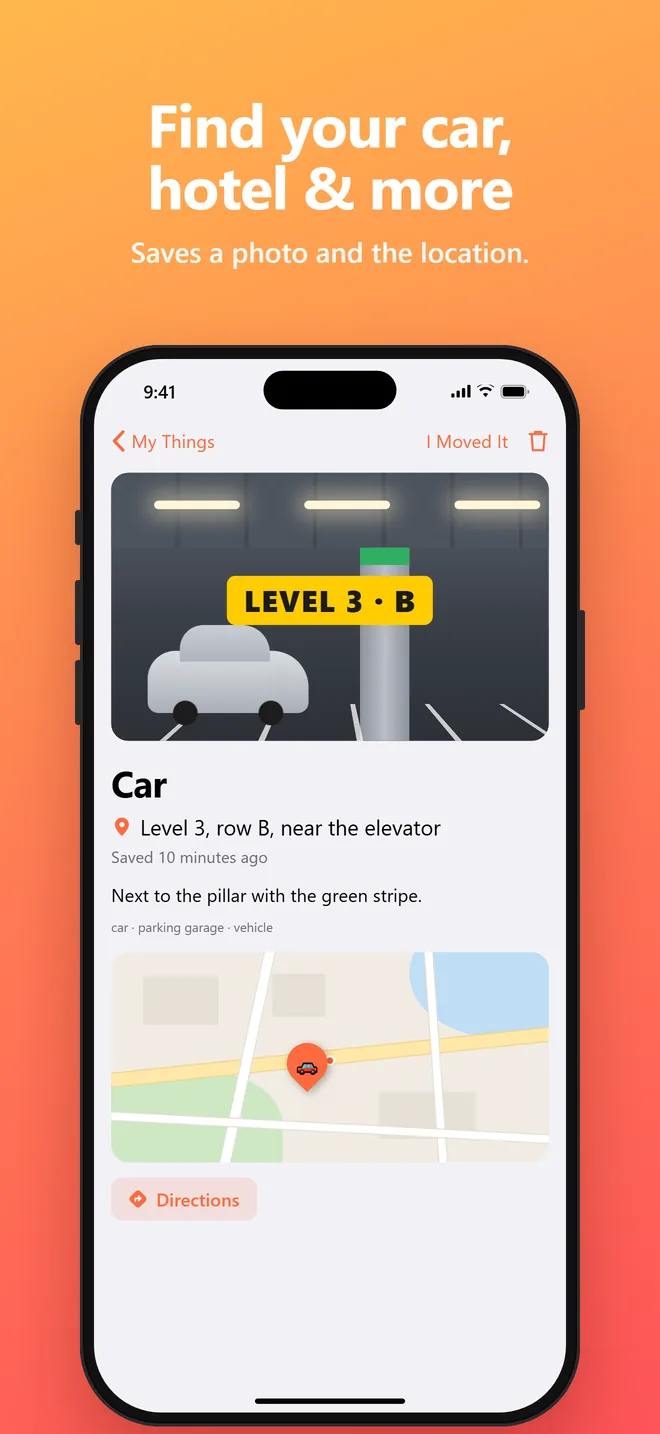
Find your car
Save the location with a map and directions back. Perfect for parking and hotels.
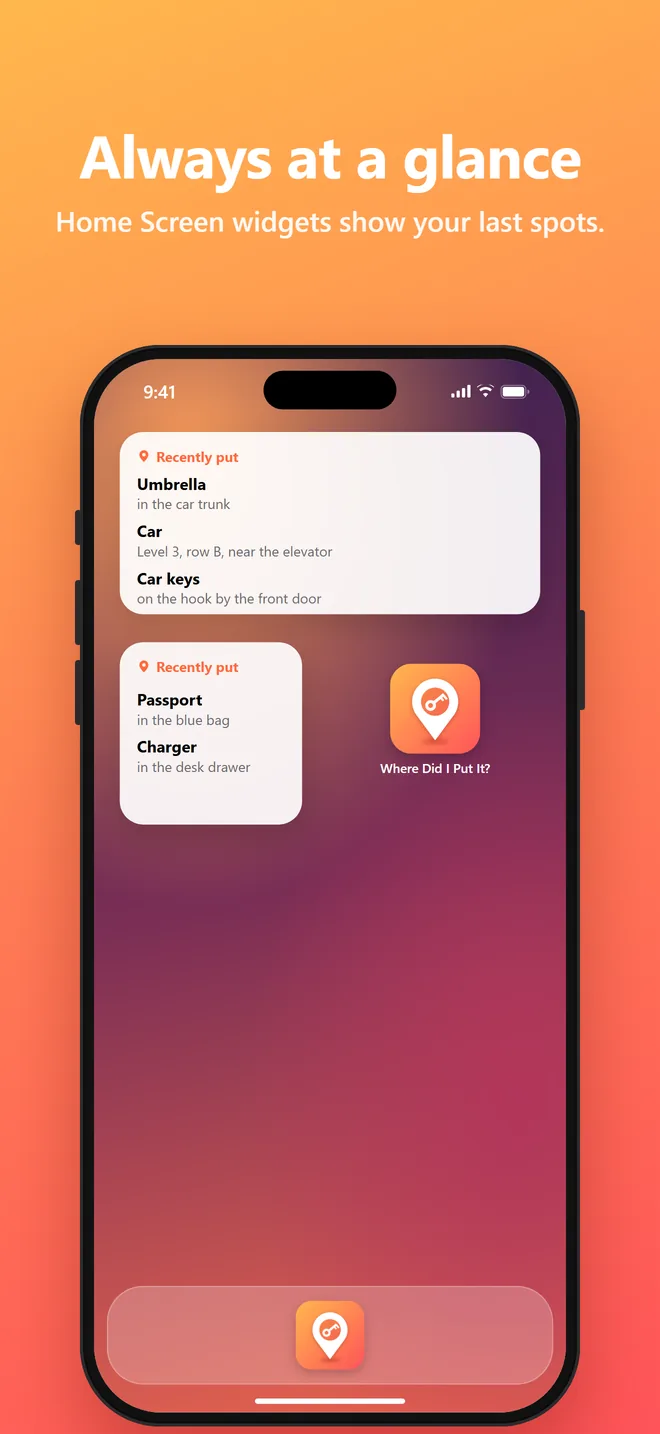
Widgets
See your most recent spots right on your Home Screen.
Your things stay on your iPhone.
Speech recognition and photo recognition run on your device. There's no account, no ads and no tracking, and we don’t collect your data. Read the privacy policy →
Questions?
Do I need an account?
No. Open the app and start saving. There's no sign-up or login.
Does it work offline?
Yes. On supported iPhones, speech recognition runs on-device, and your items are stored locally, so saving and searching work without internet. Maps need a connection to load.
How do I use it with the Action Button?
Go to Settings → Action Button → Controls and choose “Remember a Spot”. One press opens the app, ready to save.
What do I say to Siri?
Try “Remember where I put something in Where Did I Put It?” to save, or “Where did I put it in Where Did I Put It?” to find something.
Does it sync between devices?
Not yet. Your items are stored only on your iPhone. Sync and family sharing are on our list.
Which iPhones are supported?
Any iPhone running iOS 18 or later. The Action Button needs iPhone 15 Pro or newer.
Stop searching. Start finding.
Where Did I Put It? is coming soon to the App Store.
Get notified at launch